Components
Reusable UI components for building WordPress admin interfaces consistently, built on a themeable foundation with a focus on cohesion and accessibility.
-

Autocomplete
Low-level primitive for an autocomplete input that suggests options as you type. Unlike Combobox, the input can contain free-form text and suggestions only optionally autocomplete the text.
-
BaseControl
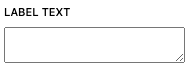
BaseControl is a low-level component used to generate labels and help text for components handling user inputs.
-
CollapsibleCard
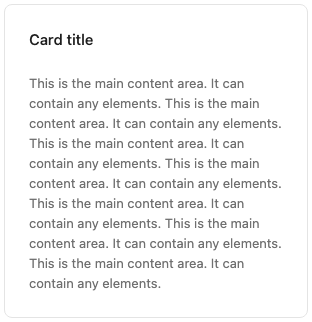
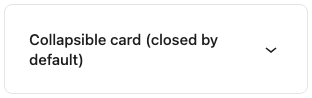
A card that can be expanded and collapsed. When collapsed, only the header is visible.
-

ColorIndicator
ColorIndicator is a React component that renders a specific color in a circle. It’s often used to summarize a collection of used colors in a child component.
-
ColorPicker
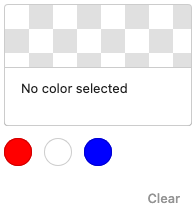
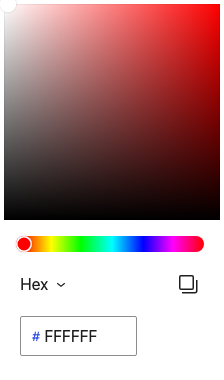
ColorPicker lets users select a color from a visual color surface, or by editing its hex, RGB, or HSL values.
-
ComboboxControl
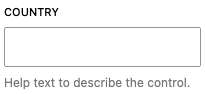
ComboboxControl is an enhanced version of a SelectControl with the addition of being able to search for options using a search input.
-
Composite
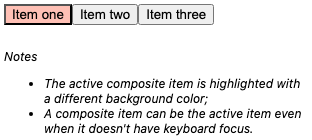
Renders a widget based on the WAI-ARIA composite role, which provides a single tab stop on the page and arrow key navigation through the focusable descendants.
-

ConfirmDialog
ConfirmDialog is built on top of Modal and displays a confirmation dialog, with confirm and cancel buttons.
-
CustomSelectControl
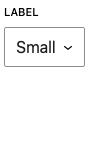
CustomSelectControl is a dropdown for selecting a single option from a list, with support for custom styling. Use it instead of the SelectControl when options need richer markup (e.g. per-option styles or hints).
-
DataForm
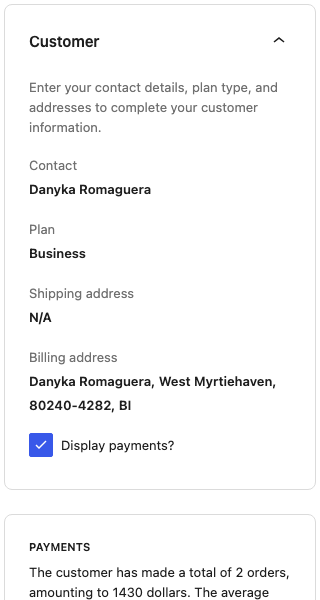
DataForm renders an auto-generated form for viewing and editing the fields of a data item, driven by a fields and form layout configuration. Use it to edit items of a dataset, often alongside DataViews.
-
DataViews
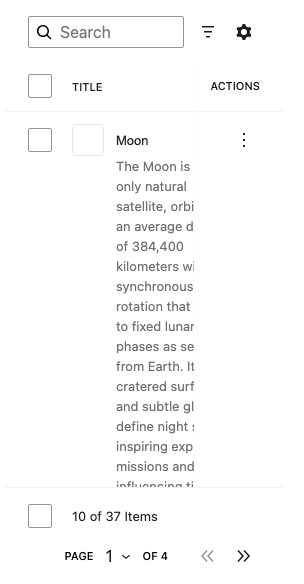
DataViews renders a dataset using configurable layouts (table, grid, list) with built-in search, filtering, sorting, pagination, and actions. Use it to display and manage a collection of records.
-
DataViewsPicker
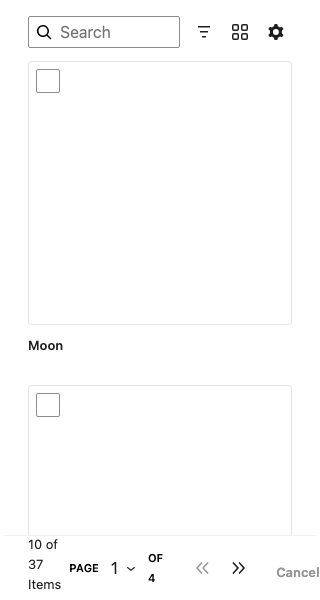
DataViewsPicker renders a dataset allowing users to select one or multiple items. It shares the layouts, search, and filtering of DataViews but is geared toward choosing items rather than managing them.
-

Disabled
Disabled is a component which disables descendant tabbable elements and prevents pointer interaction.
-
DropZone
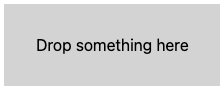
DropZone is a component creating a drop zone area taking the full size of its parent element. It supports dropping files, HTML content or any other HTML drop event.
-
Field
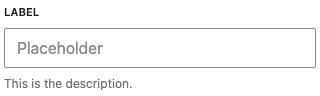
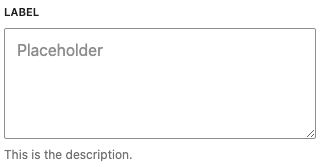
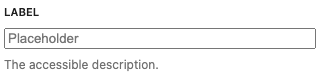
A low-level component that associates an accessible label and description with a single form control element.
-

Fieldset
A low-level component that associates an accessible legend and description with a group of multiple form control elements.
-
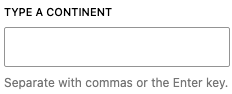
FormTokenField
A FormTokenField is a field similar to the tags and categories fields in the interim editor chrome, or the “to” field in Mail on OS X. Tokens can be entered by typing them or selecting them from a list of suggested tokens.
-
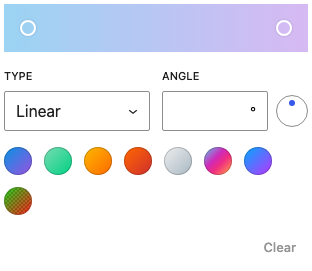
GradientPicker
GradientPicker is a React component that renders a color gradient picker to define a multi step gradient. There’s either a linear or a radial type available.
-

InputLayout
A low-level component that handles the visual layout of an input-like field, including disabled states and standard prefix/suffix slots.
-

KeyboardShortcuts
KeyboardShortcuts is a component which handles keyboard sequences during the lifetime of the rendering element.
-

MenuItem
MenuItem is a component which renders a button intended to be used in combination with the DropdownMenu component.
-
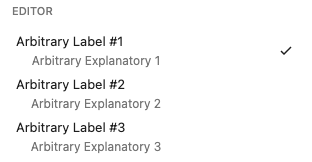
MenuItemsChoice
MenuItemsChoice functions similarly to a set of MenuItems, but allows the user to select one option from a set of multiple choices.
-

Modal
Modals give users information and choices related to a task they’re trying to accomplish. They can contain critical information, require decisions, or involve multiple tasks.
-
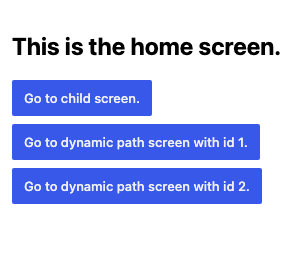
Navigator
The Navigator component allows rendering nested views/panels/menus (via the Navigator.Screen component) and navigate between them (via the Navigator.Button and Navigator.BackButton components).
-
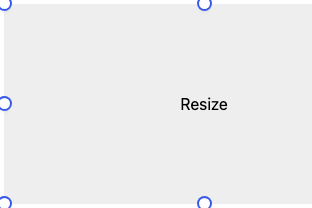
ResizableBox
ResizableBox wraps content in a container with draggable handles, letting users interactively resize it along one or more edges or corners.
-
ScrollLock
ScrollLock is a content-free React component for declaratively preventing scroll bleed from modal UI to the page body. This component applies a lockscroll class to the document.documentElement and document.scrollingElement elements to stop the body from scrolling. When it is present, the lock is applied.
-
SearchableChipSelect
A low-level primitive for a searchable multi-selection field with chips, with support for a creatable footer action.
-
SearchableChipSelectControl
A complete searchable multi-select field with chips, integrated label, and description.
-
Select
A component that lets users choose one option from a list.
-
SelectControl
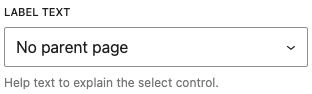
A complete select field with integrated label and description.
-

Shortcut
Shortcut component is used to display keyboard shortcuts, and it can be customized with a custom display and aria label if needed.
-

Slot
Slot marks a location where content rendered by matching Fill components elsewhere will appear. Use it to allow a component to define UI areas that can be extended from other parts of the application.
-
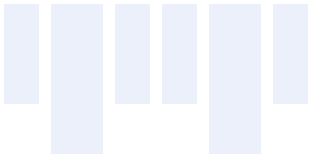
Stack
A flexible layout component using CSS Flexbox for consistent spacing and alignment. Built on design tokens for predictable spacing values.
-

Text
A text component for rendering content with predefined typographic variants. Built on design tokens for consistent typography across the UI.
-

TextHighlight
Highlights occurrences of a given string within another string of text. Wraps each match with a <mark> tag which provides browser default styling.
-
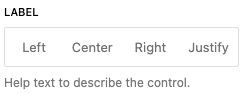
ToggleGroupControl
ToggleGroupControl is a form component that lets users choose options represented in horizontal segments. To render options for this control use ToggleGroupControlOption component.
-
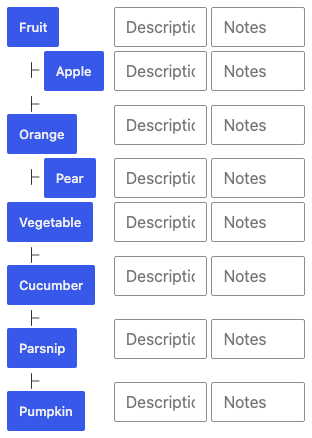
TreeGrid
TreeGrid is used to create a tree hierarchy. It is not a visually styled component, but instead helps with adding keyboard navigation and roving tab index behaviors to tree grid structures.
-

Truncate
Truncate is a typography primitive that trims text content. For almost all cases, it is recommended that Text, Heading, or Subheading is used to render text content. However,Truncate is available for custom implementations.
-

ValidityIndicator
Displays a validity message for a form control, with an icon matching the validity state: invalid, valid, or validating (a spinner while an async check is pending).
-

VisuallyHidden
Visually hides content while keeping it accessible to screen readers. Useful when providing context that’s only meaningful to assistive technology.